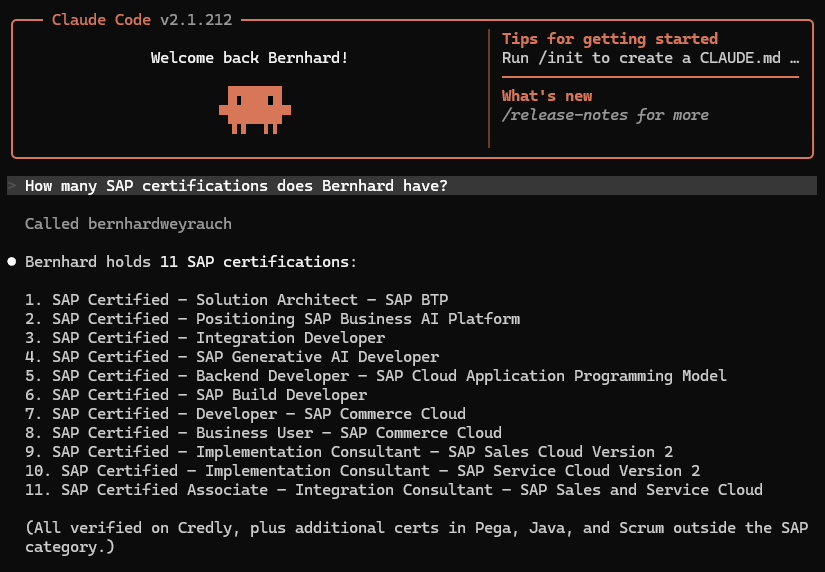
This Website
The site you are looking at right now is a project in its own right: Designed, coded, and shipped end to end with agentic coding, and wired up to talk directly to AI agents.
It is an Astro site with a single, fully typed content model: Every page, in both English and German, comes from one structured data file, so nothing drifts between languages and every new section is one edit away in both locales at once.
It ships as static HTML to a self-managed VPS behind nginx, no server-side framework, no database. The one dynamic piece is a small MCP (Model Context Protocol) server, written in plain PHP with zero dependencies, that answers structured questions about my profile, career, expertise, and projects over JSON-RPC 2.0, for any MCP-compatible AI client to call directly.
Cloudflare sits in front of it and does the routing trick that makes a clean "/mcp" URL work without a single redirect: An edge-side URL rewrite hands the request straight to the PHP file. The same typed content model also drives the interactive knowledge graph on the Expertise page: Every skill, certification, and project technology rendered as a connected network with vis-network, generated entirely at build time, no separate indexing step. The whole build, from the Astro architecture to the PHP server to the Cloudflare rule, was built through agentic coding with Claude Code.
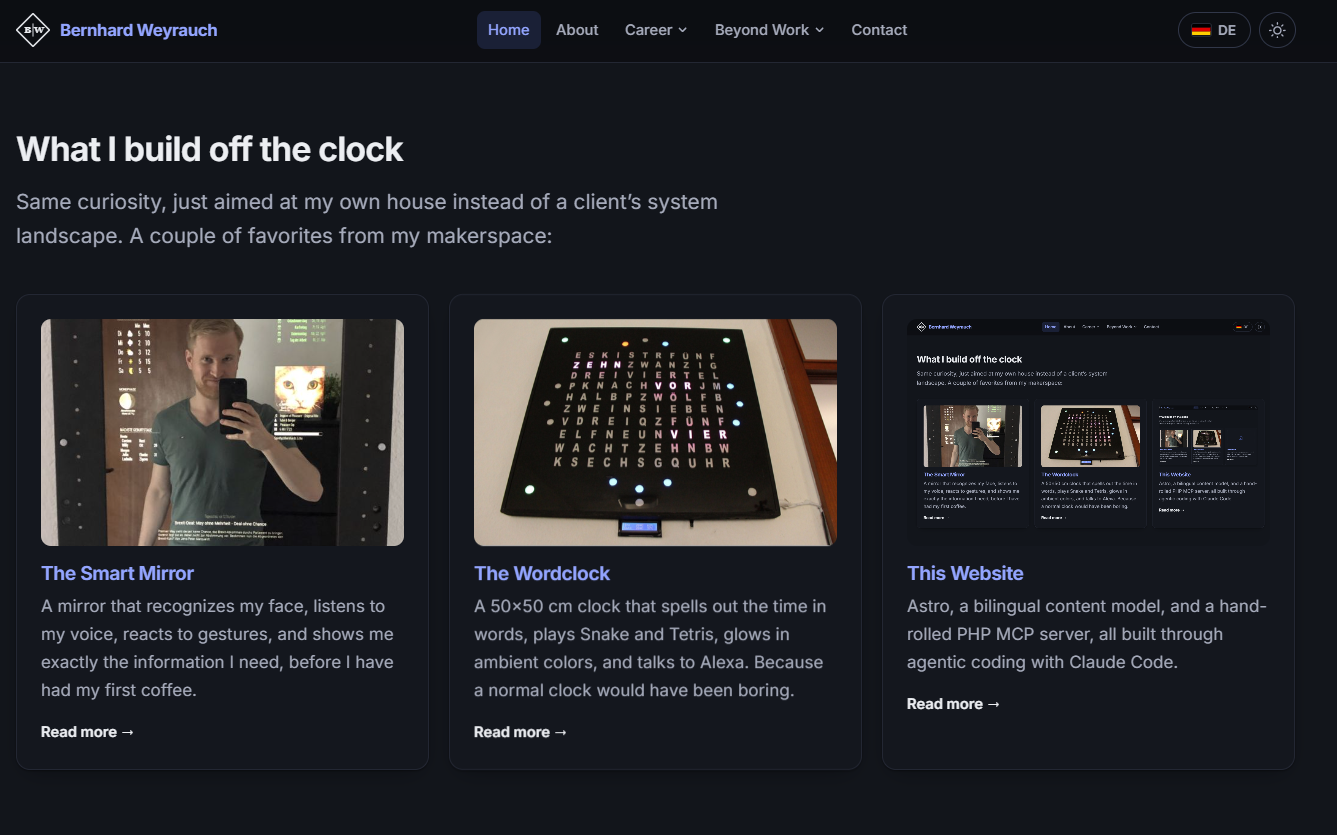
What is under the hood
One typed, bilingual (EN/DE) content model, no content forks
Static Astro build, deployed to a self-managed VPS behind nginx
Custom MCP server in plain PHP, zero dependencies, JSON-RPC 2.0
Cloudflare edge rule routes /mcp with no redirect, no rewrite rule
llms.txt and llms-full.txt generated automatically on every build
Interactive knowledge graph of skills, certifications, and project tech (vis-network), built at compile time
Built end to end through agentic coding with Claude Code
Tech stack
Try the MCP server yourself
The server exposes seven tools: get_profile, get_career, get_expertise, get_projects, get_hobby_projects, get_contact, search_content at https://www.bernhardweyrauch.de/mcp. Any MCP-compatible client can connect to it directly, for example from a terminal with Claude Code:
1 · MCP request (the prompt)
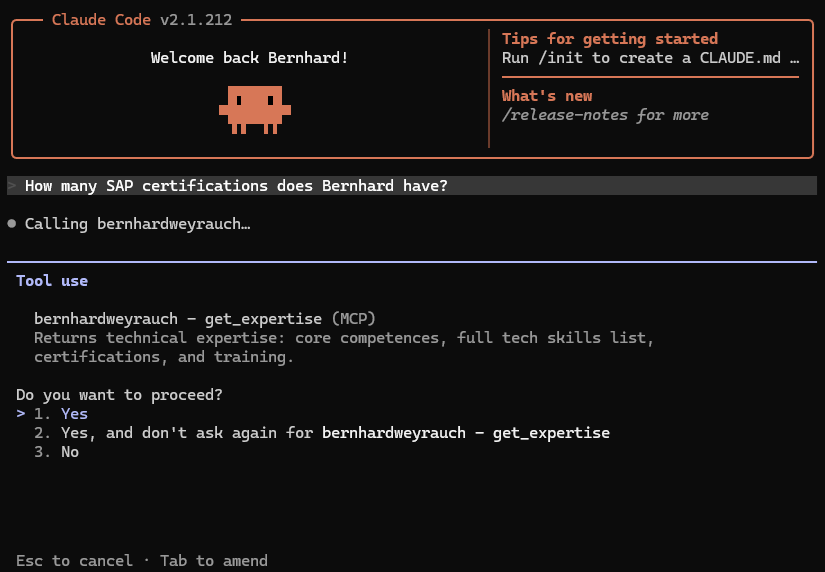
2 · LLM response